Hi
I moved a few menu bar icons and also removed a few by pressing CMD and dragging it off the menu bar.
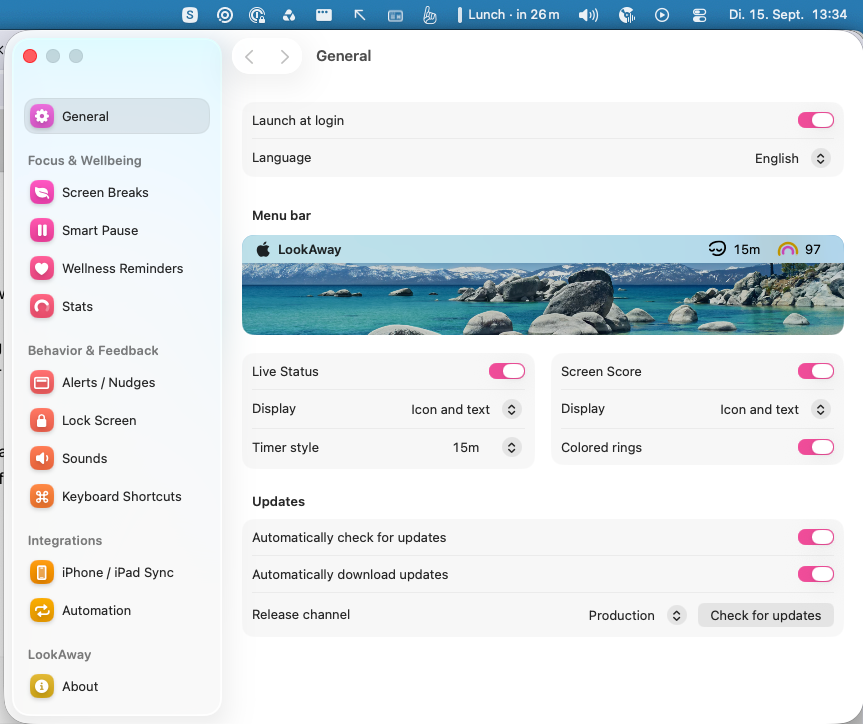
I intentionally removed the "Screen Score" (by dragging it off the menu bar) and then maybe 30 minutes later noticed that the other menu bar icon (the Live Status) is also gone.
Went into the settings, and both are still set as active but I cant see them. So I deactivated both and reactivated both but still both missing. I am on "Version 2.4.7 (553)" (file download, not from the app store) on macOS Tahoe 26.6.2
I also restarted my Macbook